
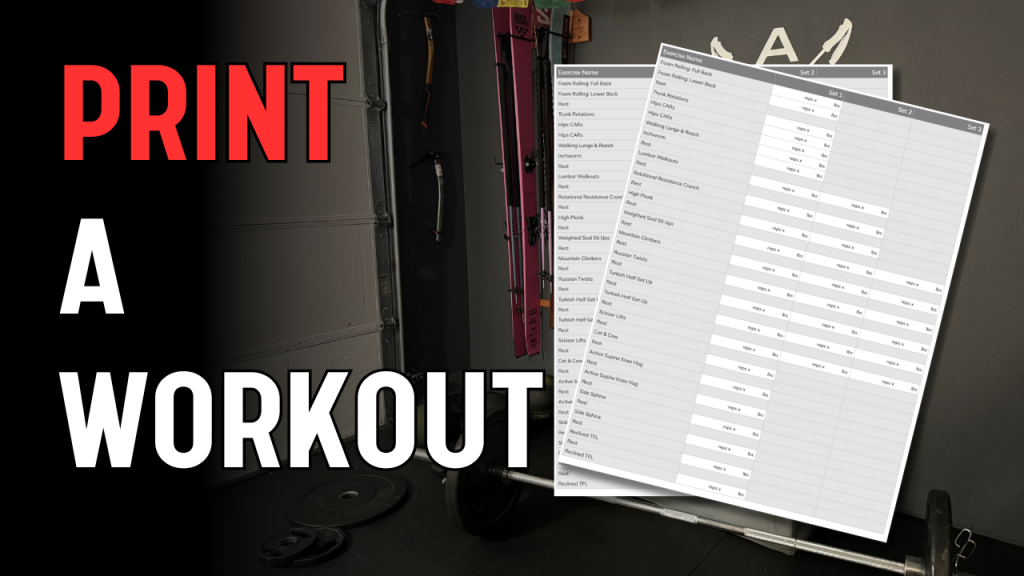
Printing workouts can be useful if you like a paper tracking sheet, want to record weights and reps by hand, or prefer having your workout visible without a screen nearby.
This guide walks you through how to print a workout from the desktop app, and explains the different print format options.
Important Notes Before You Start
Only timer-based workouts can be printed
- Timer workouts = interval-based workouts with sets, reps, and rest
- Follow-along video workouts cannot be printed
- Printing is only available on desktop, not mobile
- If you don’t see a “Print” option, double-check that you’ve opened the timer version of the workout.
Step 1: Open the Workout from Your Dashboard
- Log into the desktop app
- From your Dashboard, locate the workout on your calendar
- Click the timer version of the workout (⏱ icon)
This will open the full workout view.
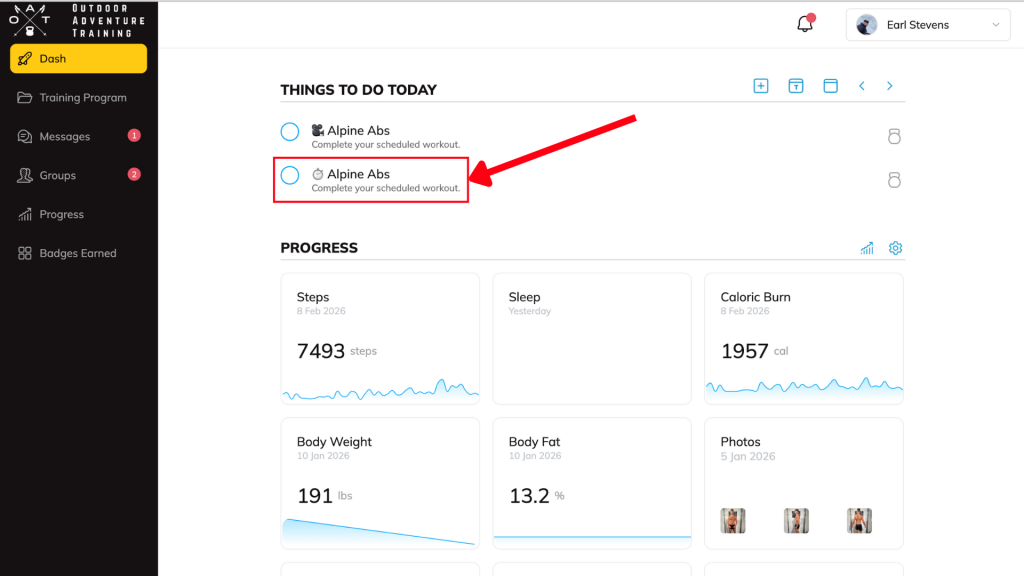
If the workout you want to do is already listed here, you’re good to go — just click it and hit Play.
Step 2: Open the Print Menu
- In the top-right corner of the workout window, click the three dots (⋯)
- Select Print
A new browser window will open with printable workout options.

Step 3: Choose Your Print Format
In the top-left corner of the print window, you’ll see a Format dropdown. You can choose from the following options:
Default Format
- Includes workout instructions
- Shows exercise list with images
- Best for general reference
Instruction Only
- Displays just the written workout instructions
- Useful if you don’t need sets/reps
Tracking Sheet Only (Recommended)
- Clean, printer-friendly layout
- Space to write in weights, reps, and sets
- Ideal for strength training and long-term tracking

👉 This is the option we recommend most often.
Custom Format
- Allows you to turn sections on or off, including:
- Instructions
- Tracking table
- Previous stats
- Exercise images
- Great if you want to tailor the printout to your setup
After selecting your format, click Print to save or print the workout.
Training Tip
If you like tracking progress over time:
- Use Tracking Sheet Only for most strength workouts
- Bring the sheet back to your next session or enter stats later in the app
- This works especially well for gym-based or repeatable workouts
Need Help?
If you’re unsure which workout version to open or don’t see a print option, send us a message in the app and we’ll point you in the right direction.


