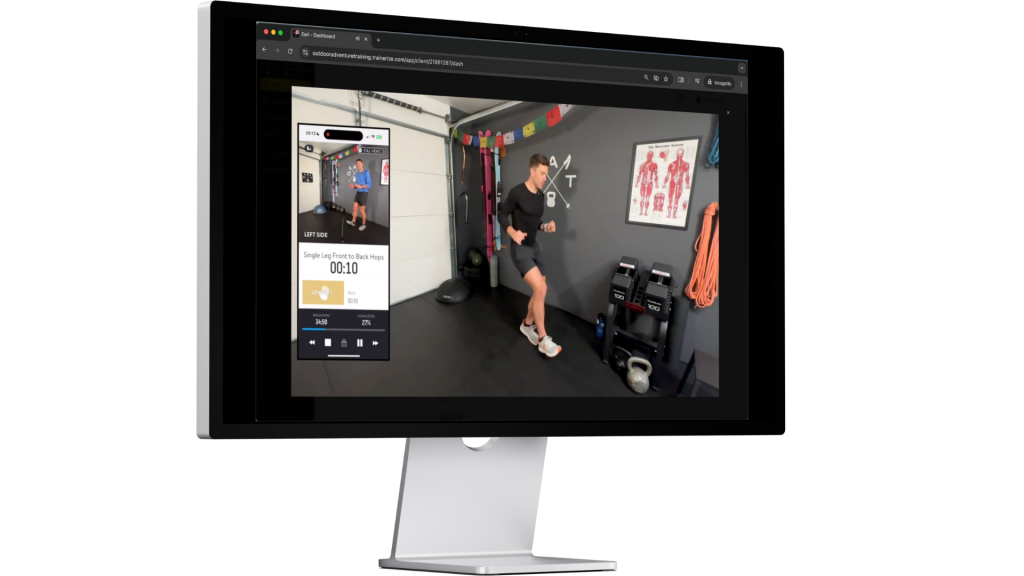
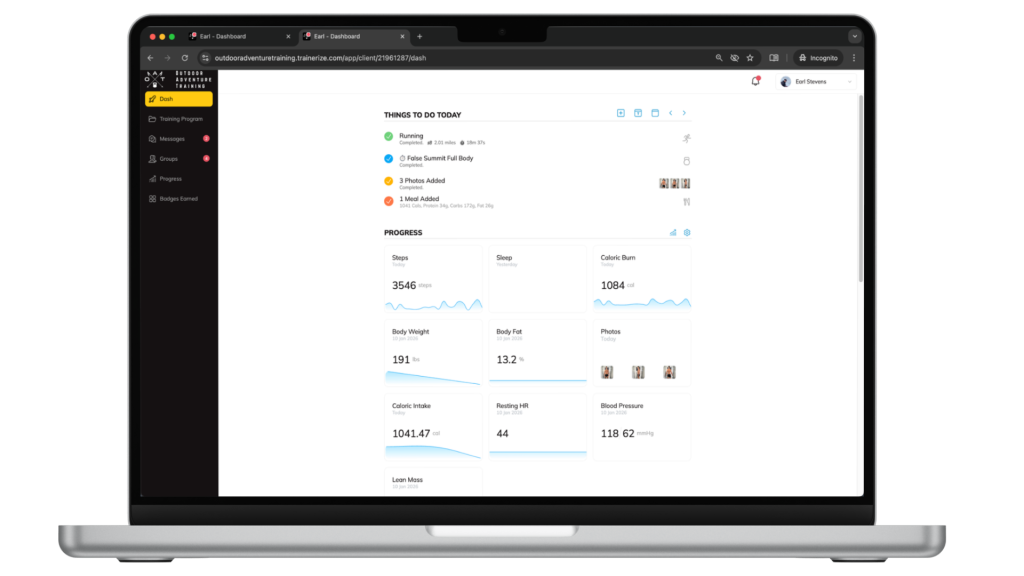
Your Outdoor Adventure Training program can also be accessed through a web browser on desktop or laptop. This is a great option for reviewing workouts, watching follow-along videos on a larger screen, and checking in on your overall training progress.
Web Browser Access
You can log in to the desktop version of the OAT Fit App using the button below. We recommend saving this link for future access
We recommend using Google Chrome for the best experience.
Use the same email and password you used when you first logged into the app on your phone. There is no separate desktop account or setup required.
Best Use Cases for Desktop Access
Desktop access works especially well for:
- Watching follow-along workout videos on a larger screen
- Checking progress metrics and training history
- Sending longer messages to your coach
For adjusting your weekly training calendar, including drag-and-drop scheduling, we recommend using the mobile app, where that feature works best.
There is no standalone desktop or downloadable computer app. Desktop access is available entirely through your web browser.


